A door sensor that stops reporting, a temperature sensor shown as “unavailable” every morning, a motion sensor that only works when you stand next to the hub: almost every Zigbee setup hits this sooner or later. It is rarely a broken device. Zigbee is a mesh network, and most of the time the mesh simply has a gap: too few devices that pass messages on, a coordinator in the wrong place, or interference from Wi-Fi or a USB 3.0 port. This guide explains how the mesh works, what fixes a weak network and what does not, and the cheap AliExpress parts that close the gaps.
Links on this page are affiliate links: if you buy through them we may earn a small commission, at no extra cost to you.
Why Zigbee devices drop off
In a Zigbee network there are three kinds of device. The coordinator is the hub or USB dongle that runs the network. Routers are mains-powered devices, such as smart plugs, wired switch modules and dedicated repeaters, that receive messages and pass them on. End devices are the battery sensors: door, motion, temperature and leak sensors. End devices sleep most of the time to save battery and never relay anything. Each one connects to a single parent, the coordinator or a router, and if that parent is too far away or behind a thick wall, the sensor goes offline.
So a home with one hub and fifteen battery sensors has no mesh at all: every sensor is trying to reach the coordinator directly. The usual causes of drop-outs, roughly in order:
- Not enough routers. Distance, floors, brick or concrete walls and metal (a fridge, a boiler, a radiator) cut the signal. Battery sensors far from the coordinator need a router in between.
- The coordinator is in a bad spot. A dongle plugged straight into a PC or a mini-PC at the back of a cabinet is one of the most common problems. USB 3.0 ports and cables give off noise in the 2.4 GHz band, the same band Zigbee uses. A short USB 2.0 extension cable that moves the dongle 50 cm to 1 m away from the computer often fixes the whole network on its own.
- Wi-Fi on the same frequencies. Zigbee and 2.4 GHz Wi-Fi share the band. Zigbee channels 15, 20 and 25 sit mostly between Wi-Fi channels 1, 6 and 11, so they clash less. Changing the Zigbee channel works, but on most systems every device has to be paired again, so try routers and coordinator placement first.
- A sensor paired far from where it lives. A device keeps the parent it found while pairing. If you paired it next to the hub and then mounted it on a far door, pair it again near its final spot, after the routers are in place.
- Bulbs used as routers. Zigbee bulbs do relay, but when someone turns the wall switch off, every sensor behind them loses its route. Do not build the mesh on bulbs.
What works and what does not
- A USB Zigbee repeater or a Zigbee plug: the main fix. Any mains-powered Zigbee router strengthens the mesh. A small USB repeater plugs into a phone charger anywhere; a Zigbee smart plug does the same job and also switches a lamp or a heater. Put them halfway between the coordinator and the devices that drop, roughly one per room or every 5 to 10 metres, and at least one on each floor.
- Wired switch modules: hidden routers. A Zigbee relay module behind a light switch is mains-powered and usually acts as a router. Check the listing: modules that need a neutral wire relay, “no neutral” models usually do not.
- A better coordinator. Very cheap Tuya Wi-Fi-plus-Zigbee hubs and old dongles handle fewer devices directly. For Home Assistant or Zigbee2MQTT, a modern USB coordinator such as the SONOFF ZBDongle (with an external antenna) on a USB 2.0 extension cable is the standard setup.
- A Wi-Fi “booster” does nothing for Zigbee. Wi-Fi repeaters and mesh Wi-Fi systems extend Wi-Fi, not Zigbee. The repeater has to say Zigbee.
- Battery devices never help the mesh. Adding more sensors adds more devices that need a parent; it does not add range.
- Brand mixing: mostly fine. Zigbee 3.0 devices from Tuya, MOES, SONOFF, IKEA and others talk to each other. The known exception is some Aqara sensors, which can be picky about which routers they stay connected to; if Aqara sensors drop and others do not, that is the likely reason.
🛠️ Parts that make a Zigbee network stronger
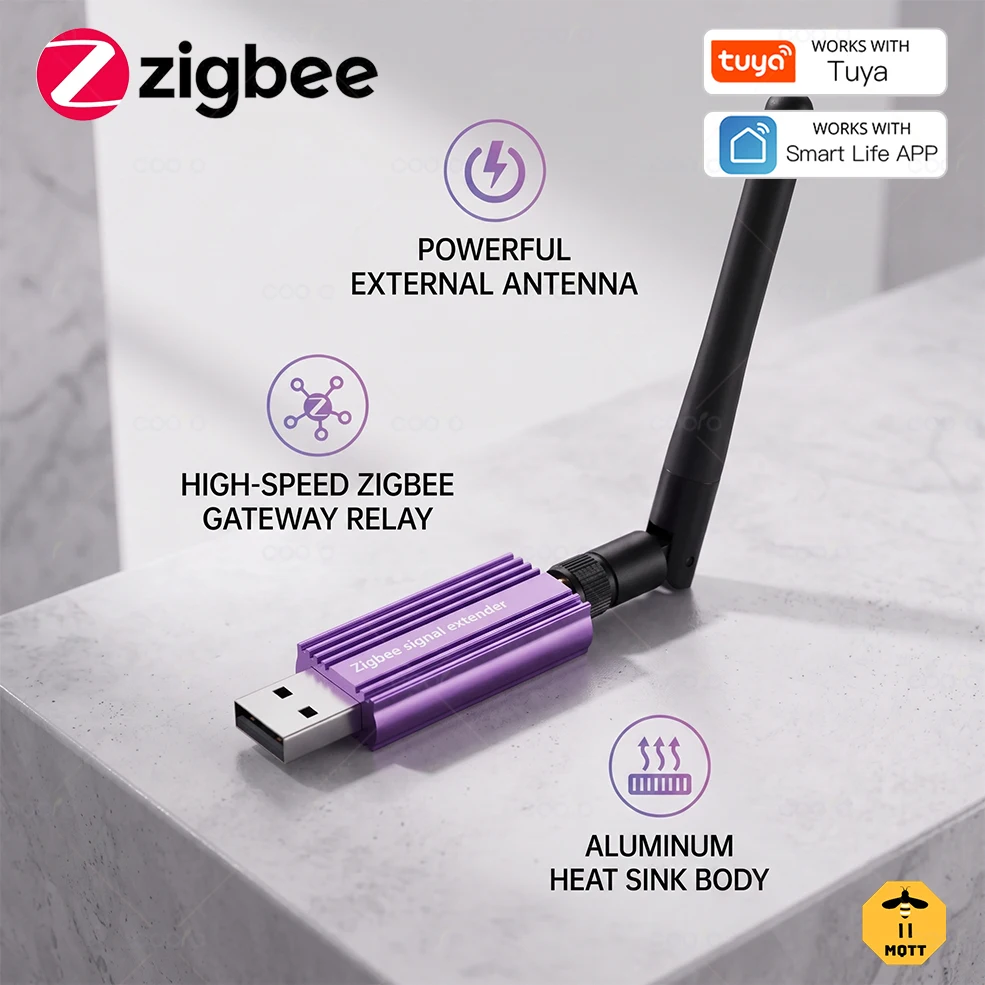

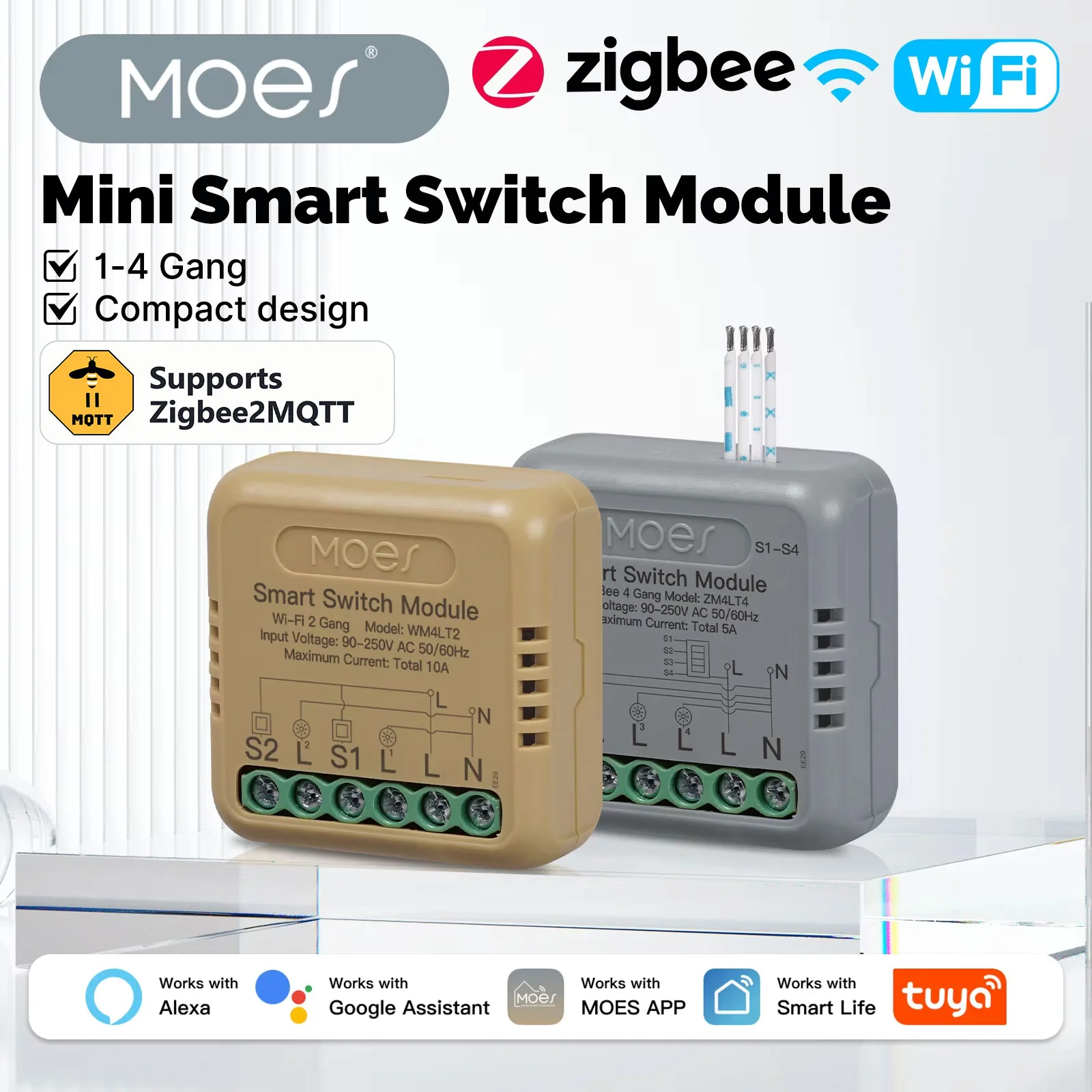
3. Zigbee switch module that relays behind a wall switch

4. USB Zigbee coordinator for Home Assistant / Zigbee2MQTT

5. USB 2.0 extension cable to move the dongle away from the PC

6. Tuya Zigbee gateway (for the Smart Life app, no computer needed)
🔍 Looking for a different repeater, a UK plug or a dongle with an antenna?
Search OneFindMe in plain words, for example “zigbee repeater usb” or “zigbee plug uk”, and see every current option with today's prices.
Search Zigbee repeaters →Five steps to a Zigbee network that stays connected
- Move the coordinator — Put the hub or dongle in the middle of the home, off the floor and away from the router, metal and the back of a PC. A dongle goes on a 50 cm to 1 m USB 2.0 extension cable, never straight into a USB 3.0 port.
- Add routers first — Place a USB repeater or a Zigbee plug between the coordinator and every area where devices drop: about one per room, at least one per floor. Power them and pair them before anything else.
- Re-pair the problem devices in place — Reset each sensor that drops and pair it where it is mounted, not next to the hub, so it picks the nearest router as its parent.
- Check the Wi-Fi channel — If drop-outs continue, look at which 2.4 GHz channel your Wi-Fi uses. Set Wi-Fi to 1, 6 or 11 and choose a Zigbee channel that sits between them (15, 20 or 25) when you next set up the network.
- Give it a day — A Zigbee mesh settles its routes over several hours. Judge the result the next day, not five minutes after the change.
❓ FAQ
Why do my Zigbee devices keep going offline?
Usually because a battery sensor cannot reach its parent: too few mains-powered routers, a coordinator in a bad spot, interference from a USB 3.0 port or from Wi-Fi on the same channels, or a device that was paired next to the hub and then moved far away.
Does a Zigbee repeater really work?
Yes, if it sits between the coordinator and the devices that drop. A repeater is just a Zigbee router with no other job. A Zigbee smart plug or a wired switch module does the same and is useful on its own.
How many Zigbee repeaters do I need?
As a rule of thumb, one router per room or every 5 to 10 metres, and at least one on each floor. Thick walls, concrete floors and metal need more. Most homes with a few plugs or modules spread around already have a strong mesh.
Do Zigbee repeaters from AliExpress work with Home Assistant and Tuya?
Generic Zigbee 3.0 repeaters, plugs and modules from Tuya, MOES and SONOFF work with Zigbee2MQTT, ZHA and Tuya hubs in most cases. Check the listing for Zigbee 3.0, and for Zigbee2MQTT look the model up in its supported-devices list.
Why does a USB extension cable help a Zigbee dongle?
USB 3.0 ports and cables give off radio noise in the 2.4 GHz band that Zigbee uses, and the computer case blocks the signal. Moving the dongle 50 cm to 1 m away on a USB 2.0 extension cable removes both problems.
How much does it cost to fix a weak Zigbee network?
The parts on this list cost between $1.90 and $18.02. Two or three repeaters or plugs are usually enough.
How long does shipping to the UK take, and is there VAT?
Delivery time depends on the seller and is shown on the product page before you pay. On orders up to £135 the 20% VAT is added at checkout, so there is nothing more to pay on delivery.