How to Convert VHS Tapes to Digital
What you need, what it costs, how long it really takes — and when not to do it yourself
The short answer: converting a VHS tape needs three things — a VCR that plays it, a USB capture device, and free recording software. The capture device costs $5.64 to $8.56. The expensive part is time: capture happens in real time, so a three-hour tape takes three hours.
That trade is worth it for a handful of tapes when you already own a working VCR. It stops being worth it at a shelf full of tapes, with no VCR, or when the tape itself is in poor shape — all covered below.
What a converter actually does
A tape holds an analog signal. A computer cannot read it, so something has to translate that signal into a digital stream. That is the entire job of a capture device: it does not play the tape, it receives what the VCR is already outputting and passes it along over USB.
Two practical consequences follow. First, no working VCR means no conversion, and a cheap capture card does not solve that. Second, quality is decided by the tape, not by the card.
What quality to expect
VHS records roughly 240 lines of resolution, about 333×480 pixels in practice. That is the ceiling of the format. Devices advertised as "1080p" are describing the file they output, not the quality of the source — no converter invents detail that was never recorded on the tape. Anyone expecting phone-video sharpness will be disappointed, and that is equally true of a professional service.
Capture devices and what they cost
These are the capture devices with the most orders on AliExpress right now, with the price and rating as listed there today. They all do the same thing: RCA in, USB out.
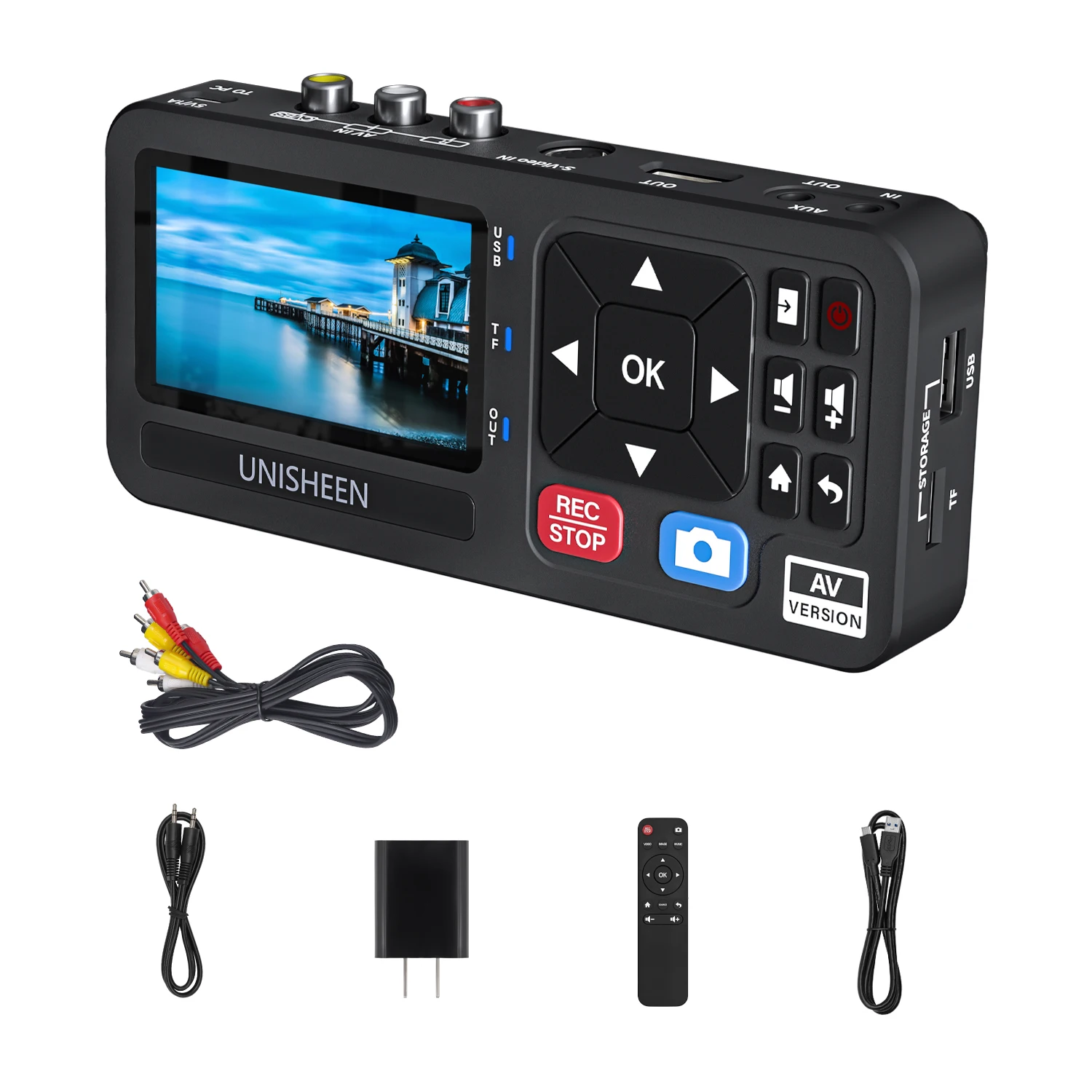 UNISHEEN UR230A TF Analog CVBS RCA SVideo Camera USB Tape VCR VHS Capt…Standalone — records to a memory card, no computer$98.81View on AliExpress
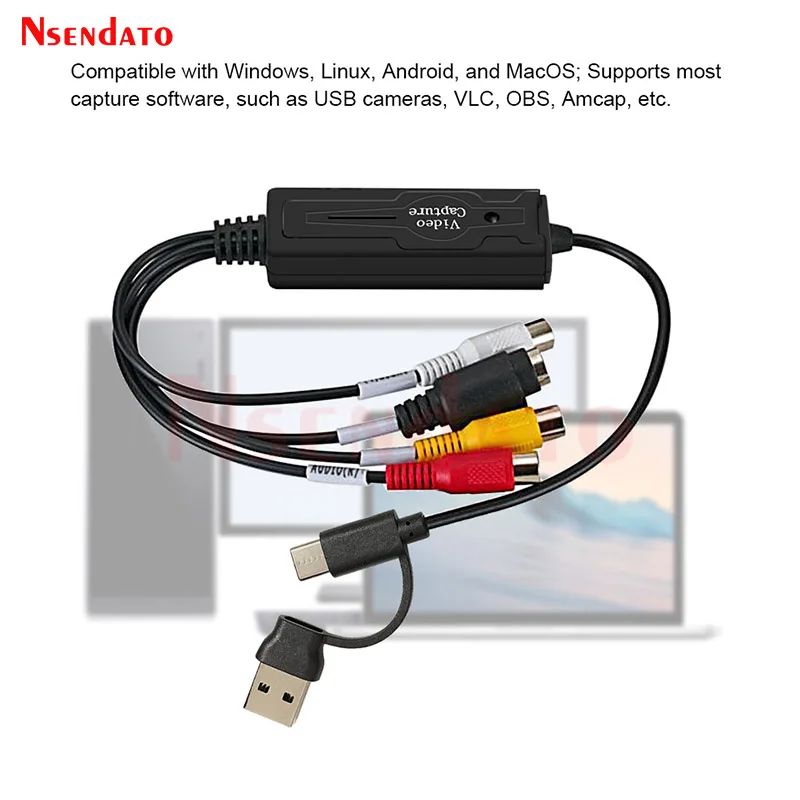 USB Type C Video Capture Card 2 in 1 Type C USB 2.0 AV Video Grabber R…Most ordered in this category$7.20View on AliExpress
 USB 2.0 Video Easy cap VHS to Digital Converter Audio Capture Card VHS…USB-C, works with a phone or a laptop$5.97View on AliExpress
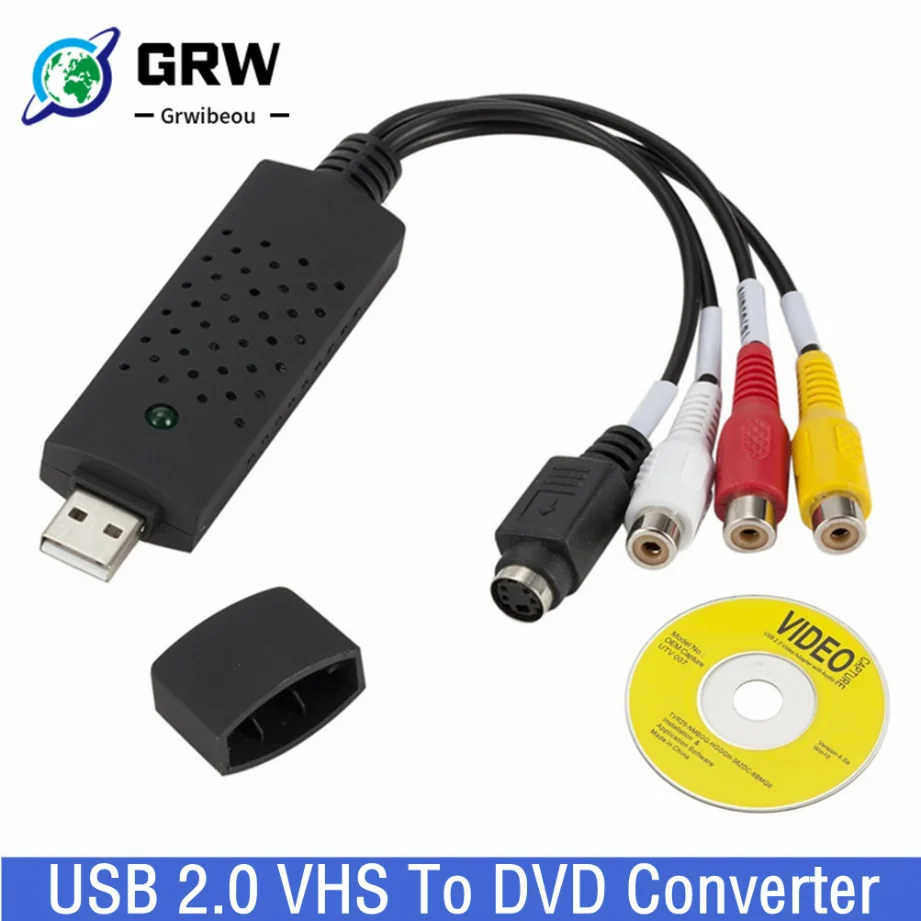 USB 2.0 VHS To DVD Converter Convert Analog Video To Digital Format Au…Has an S-Video input for a cleaner picture$4.62View on AliExpress
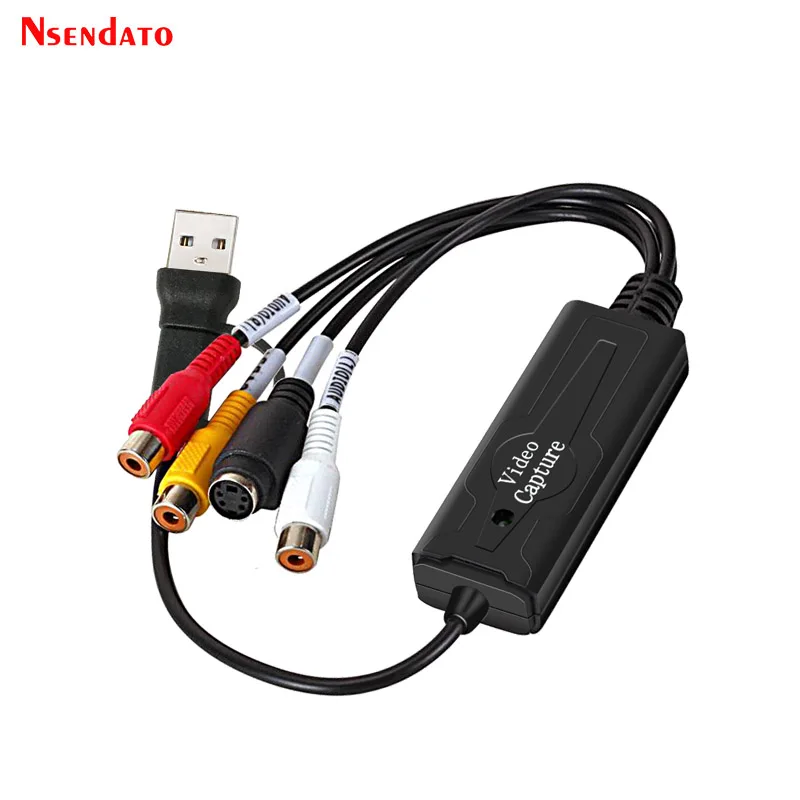 USB 2.0 Type C AV S Video Capture Card Adapter RCA AV Video Composite…Plain RCA-to-USB adapter$6.43View on AliExpress
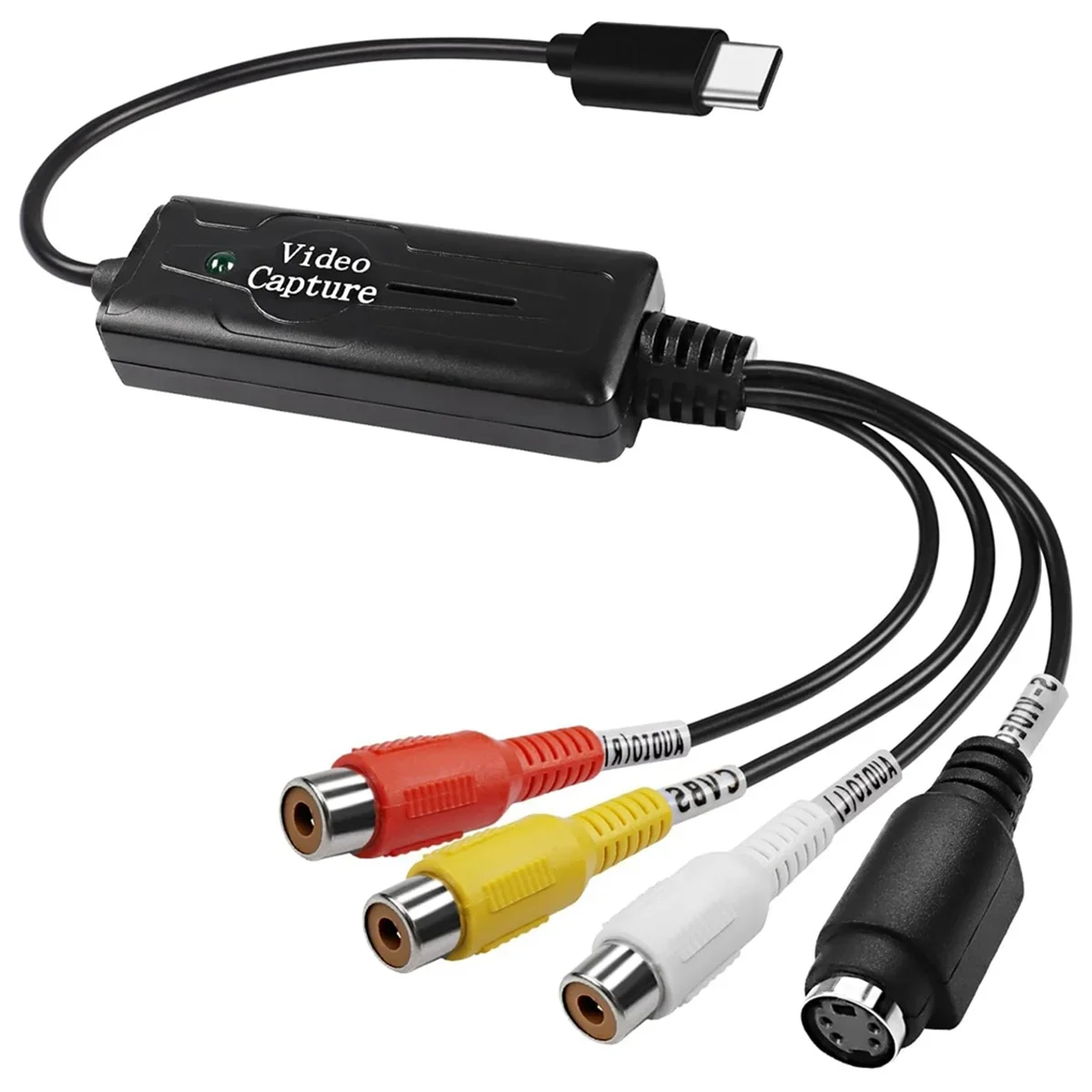 RCA AV to USB C Converter Video Capture Card Adapter 1 Channel AV NTSC…USB-C, switches between NTSC and PAL$8.88View on AliExpress
Cheap dongle vs standalone recorder
Those products fall into two different categories, and the difference matters more than the price does:
| USB dongle ($5.64–$8.56) | Standalone recorder (~$78) | |
|---|---|---|
| Needs a computer | Yes — the computer records | No — records to a memory card |
| Drivers | The most common point of failure | None, the unit is self-contained |
| Quality control | Full, through the software | Limited to the unit's settings |
| Best for | A few tapes, if you are comfortable with a computer | Many tapes, or no patience for setup |
The cheap dongles come out of a long chain of factories and the bundled driver is not always current for a recent version of Windows. In most cases the system recognises them on its own as a video device and that is enough — but it is worth knowing in advance that this is the step that can stall.
Step by step
- Connect the VCR to the capture device. An RCA cable from the VCR's AV outputs into the device: yellow for video, white and red for audio. If the VCR has an S-Video output and the device has an S-Video input, use it — it keeps colour and brightness on separate wires and gives a visibly cleaner picture.
- Plug the device into USB. Windows and macOS usually recognise it as a camera with no installation at all. If a driver is needed, it is normally on the bundled disc or from the seller.
- Open recording software. OBS Studio is free, open source, and runs on Windows, macOS and Linux. Add a Video Capture Device source, pick the adapter, and add an audio input source from that same device — skip that and you get a silent video.
- Set the video standard. This is the step most people miss. American tapes are NTSC; tapes from Europe, Australia and much of Asia are PAL. Cheap devices ship set to one or the other. Look for Video Standard or Video Format in the source settings. A black-and-white or upward-rolling picture is almost always this setting.
- Record in real time. Start recording, then press Play on the VCR. There is no shortcut: three hours of tape is three hours of recording, and the computer has to stay awake for all of it.
- Check it, then back it up. Play the finished file from the start and from the end — a capture that died halfway looks perfectly fine until you reach the point where it stops. Then copy it somewhere else before you touch the tape again.
Storage: a reasonable capture uses about 1 to 2 GB per hour, so 3 to 6 GB for a full tape. Clear the space first.
The real cost: how long this takes
This is the arithmetic worth doing before ordering anything. Capture is real time, and on top of it come setup, checking, trimming the head and tail, saving and backing up — call it another half hour per tape.
| Tapes | Estimated work | What makes sense |
|---|---|---|
| 1–5 | about 5 to 15 hours | Do it yourself — clearly worth it |
| 6–15 | about 20 to 45 hours | Borderline — depends what your time is worth |
| 16+ | 50 hours and up | Use a conversion service |
There is no trick here. Four tapes from a wedding and the kids is an evening or two. A box of forty inherited tapes is a month of work you just bought yourself.
When not to try this yourself
In some cases a home attempt does not merely fail — it destroys the original. If any of these apply, do not start:
- Mould on the tape — white specks or a musty smell. Playing a mouldy tape in a home VCR can scrape the oxide layer off in a single pass and the picture is gone permanently. It also contaminates the heads and damages the next tape you load.
- The tape squeals, sticks or barely turns — the binder has gone (known as sticky-shed syndrome) and it needs treatment before it is ever played.
- The format is not VHS — Video8, Hi8, Betamax, MiniDV and VHS-C all need entirely different players, which almost nobody still has at home.
- No working VCR — a used deck bought for the job is in unknown condition, and it can be the thing that eats the tape.
- It is the only copy — family footage with no backup anywhere. Here a single mistake is permanent, and that is a different calculation from price.
A conversion service works with serviced, calibrated decks and can treat a tape before playing it. If you go that route, ask two questions before handing anything over: what happens to a tape that will not play, and whether you get the raw files rather than only a finished DVD.
Audio cassettes are much simpler
Cassettes are the easy case, because no separate deck is involved: the player itself has a USB output and records straight to MP3. Load the tape, connect it, record — still in real time, but a side of a cassette is 30 to 45 minutes rather than three hours.
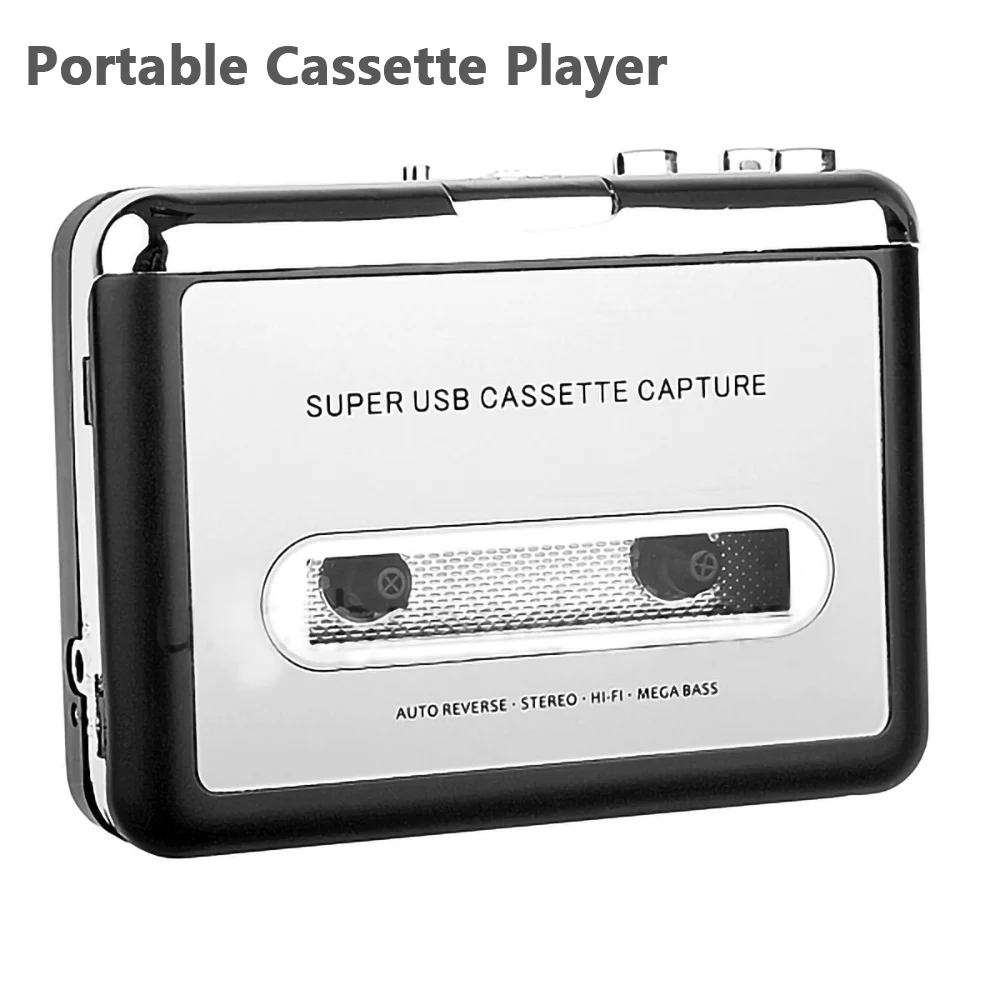 Portable Cassette Player Recorder Tape to mp3 converter Type C to USB…$29.38View on AliExpressPortable Cassette Player Recorder Tape to mp3 converter Type C to USB…$29.88View on AliExpress
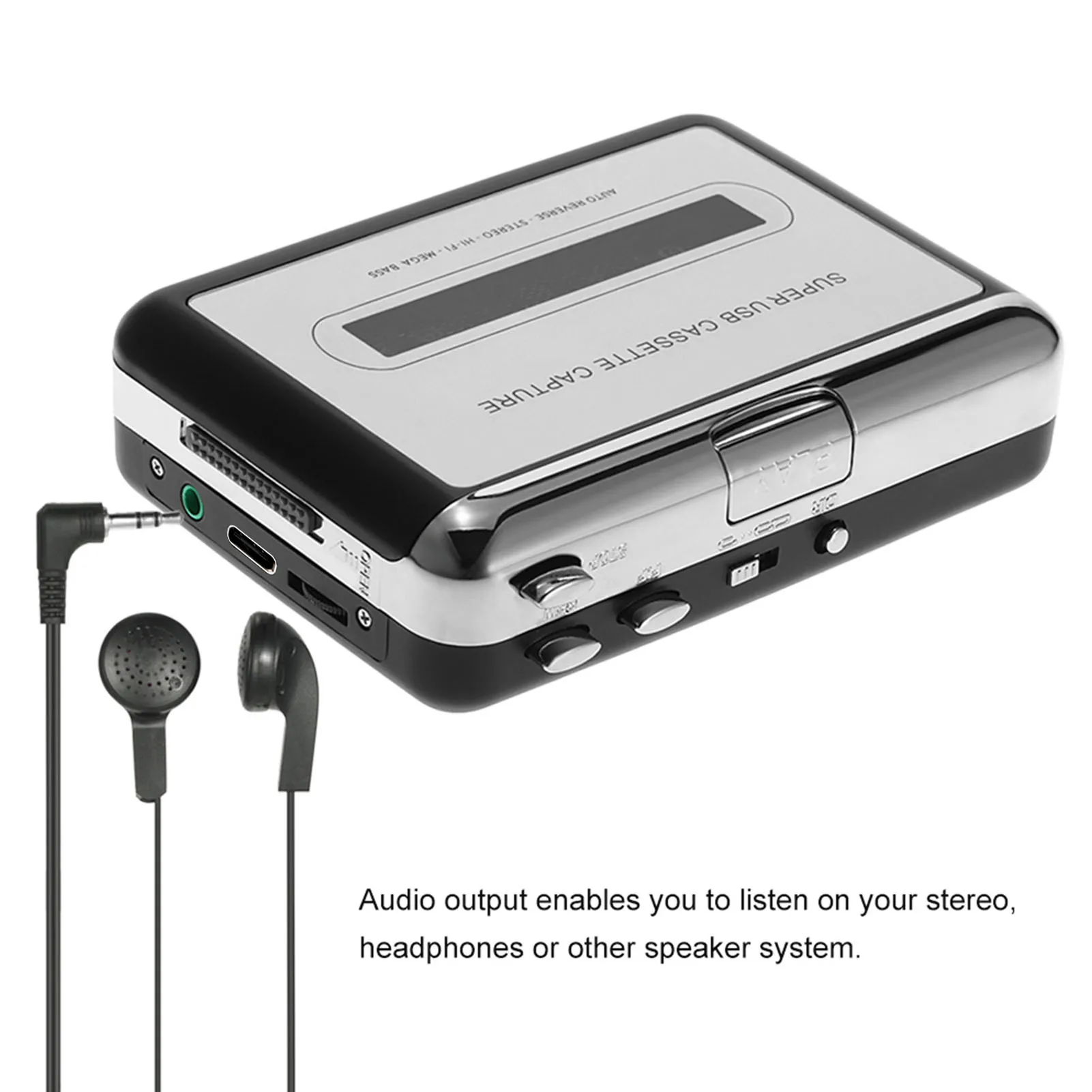 USB Cassette Converter Cassette Tape to MP3 Converter HiFi Sound Quali…$24.65View on AliExpress
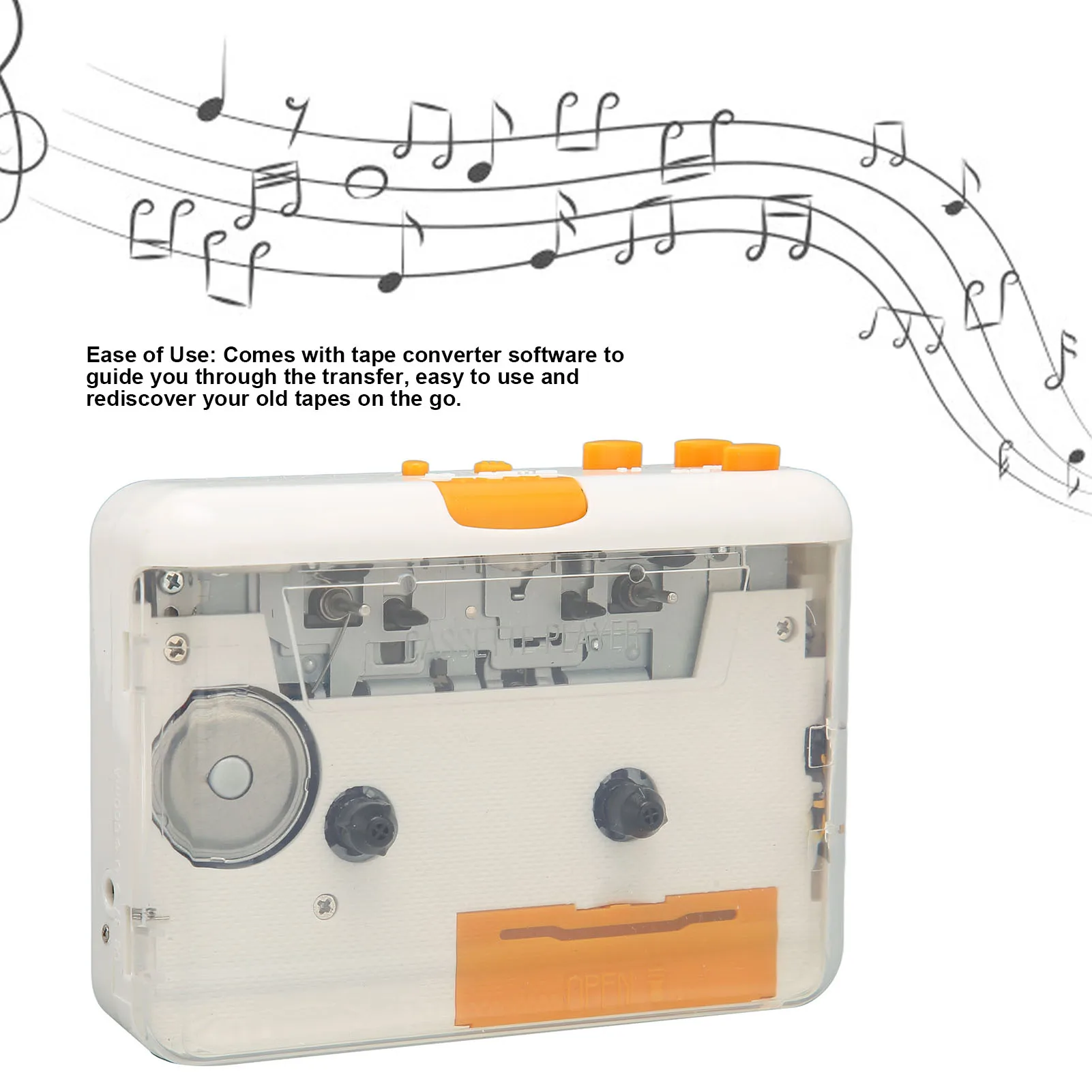 USB Cassette Converter Plug and Play Portable MP3 Music Tape Player wi…$19.70View on AliExpress
Worth checking one detail in the listing: some of these record to a USB stick with no computer at all, while others need software on a computer. The description says which, and the buyer reviews say it even more clearly.
Slides and negatives
Old photographs have two routes, and the cheap one is surprisingly good. The first is a dedicated handheld scanner with a screen: slide the film strip in and the unit writes a JPEG to a memory card. The second is an LED light pad — lay the negative on it, photograph it from above with a phone, and an app inverts the colours. A modern phone camera out-resolves most cheap handheld scanners.
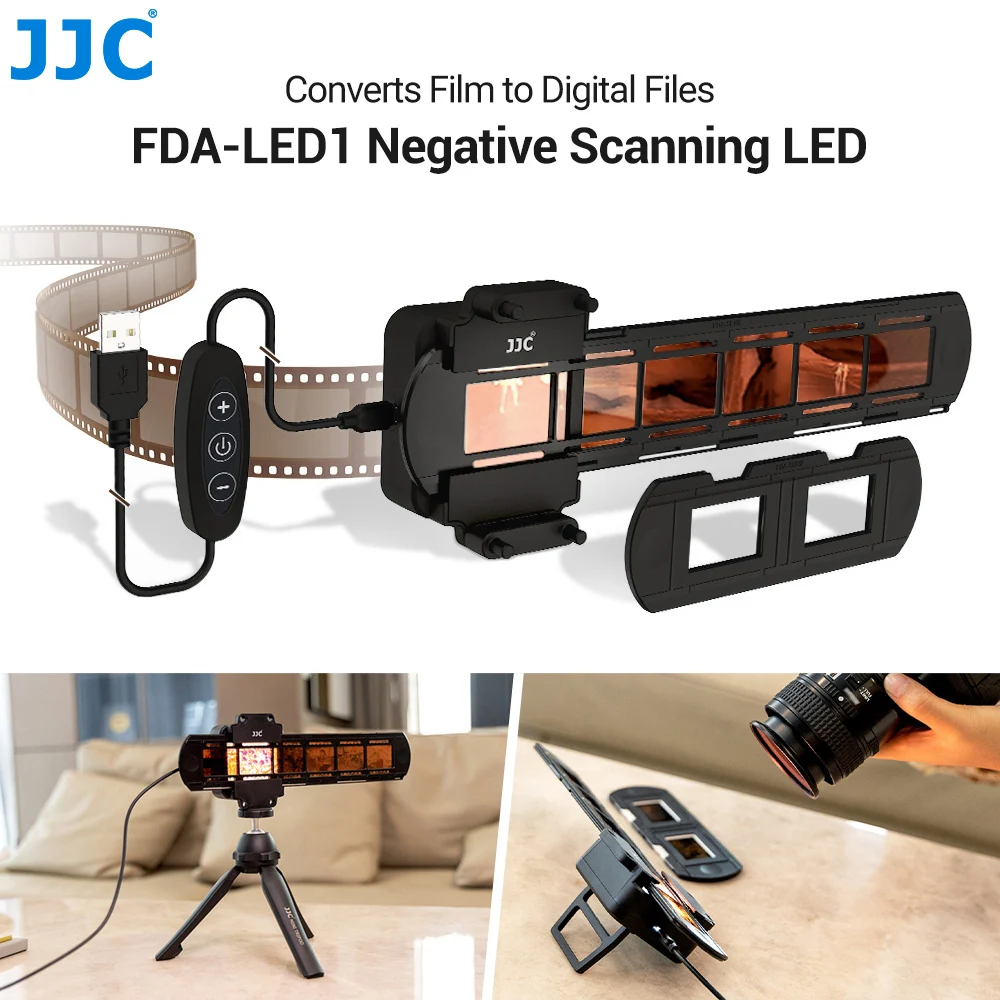 JJC Negatives Scanning LED Light 35mm Film Scanner with Strips & Slide…Light pad — photograph through it with a phone$29.89View on AliExpress
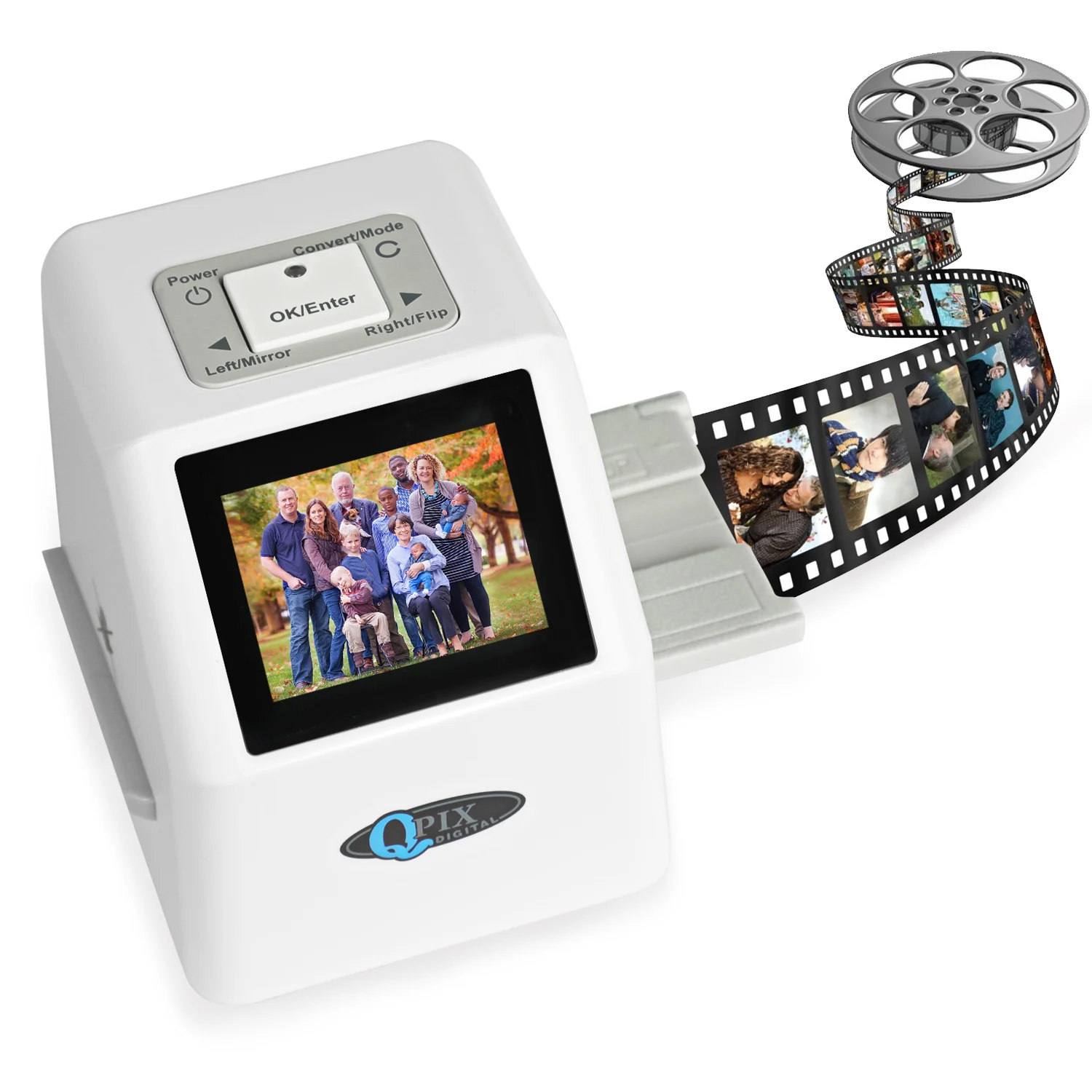 QPIX Digital Film Slide Scanner Converts 35mm Film Scanner for Negativ…$91.55View on AliExpress
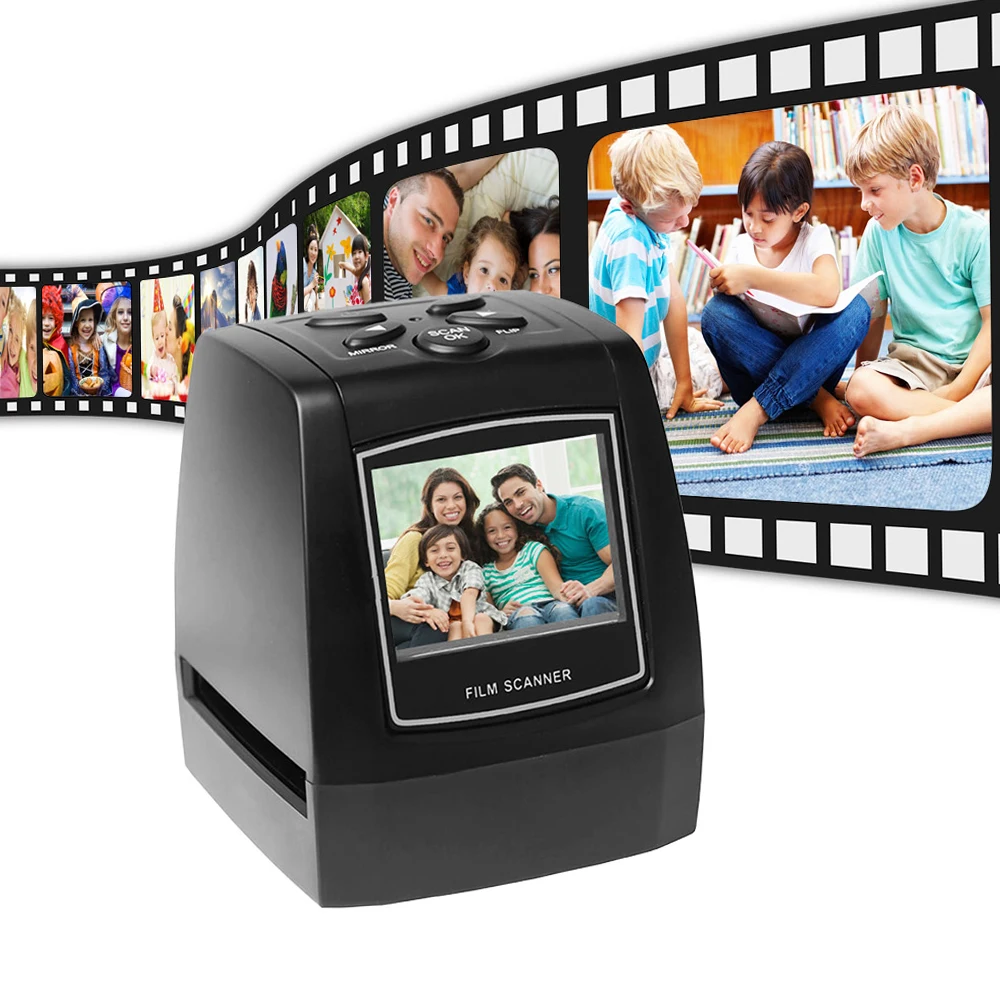 Protable Negative Film Scanner 35/135mm Slide Film Converter Photo Dig…$59.60View on AliExpress
This is still one frame at a time. A carousel of two hundred slides is a full evening — but unlike video, you can do it in front of the TV.